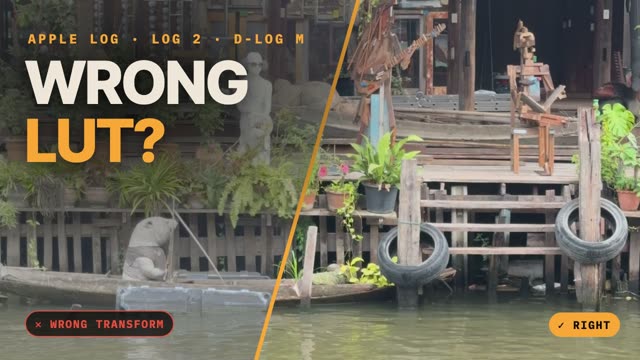
Which Log is my video?
Pick a video file and this page reads the tags the camera wrote into it: Apple Log or Apple Log 2, DJI D-Log M, HLG or standard video. It then tells you which conversion the clip needs, because the wrong one is the most common reason Log footage looks off.
The file never leaves your device. The page reads only the file's index and metadata, in your browser.
What the checker reads
| Format | How it's recognized | Conversion it needs |
|---|---|---|
| Apple Log | Log tag com.apple.rec2020.apple-log | Apple Log to Rec.709 |
| Apple Log 2 | Log tag com.apple.apple-wide-gamut.apple-log | Apple Log 2 to Rec.709 |
| DJI D-Log M, D-Log, D-Log2 | The color mode in DJI's per-frame metadata track | DJI's conversion for that mode |
| HLG, PQ | The transfer function in the color tag | None; it isn't Log |
| Rec.709 | The transfer function in the color tag | None; it isn't Log |
The tags only survive in the original file. An exported, trimmed or messaging-app copy often loses them, and then no app can tell the format for certain. Develop Log reads the same tags when you import a clip, shows the result above the picture, and lets you tap it to correct it.
Why the right conversion matters
Every Log format encodes brightness with its own curve and color in its own gamut. Middle gray lands near 49% in Apple Log, around 54% in D-Log M and near 40% in D-Log. Decode a clip with the wrong curve and exposure and contrast are off before you touch a slider; decode it with the wrong gamut and colors shift. The details, with examples, are in LUT input color spaces.